
You found a strong candidate. They are responsive, qualified, and genuinely interested. Then the next three days happen: a chain of "does Tuesday work for you?" emails, a calendar conflict that pushes the call to Thursday, a no-show because the confirmation went to spam, and a reschedule request that lands on Friday afternoon. By the time you finally talk to them, two of your competitors have already beat you to it.
Scheduling coordination is one of the most solvable problems in recruiting, and it is still eating enormous amounts of recruiter time across the industry. This guide covers what automated interview scheduling software actually does, which features matter, and how to choose the right tool for your team.
What Is Automated Interview Scheduling?
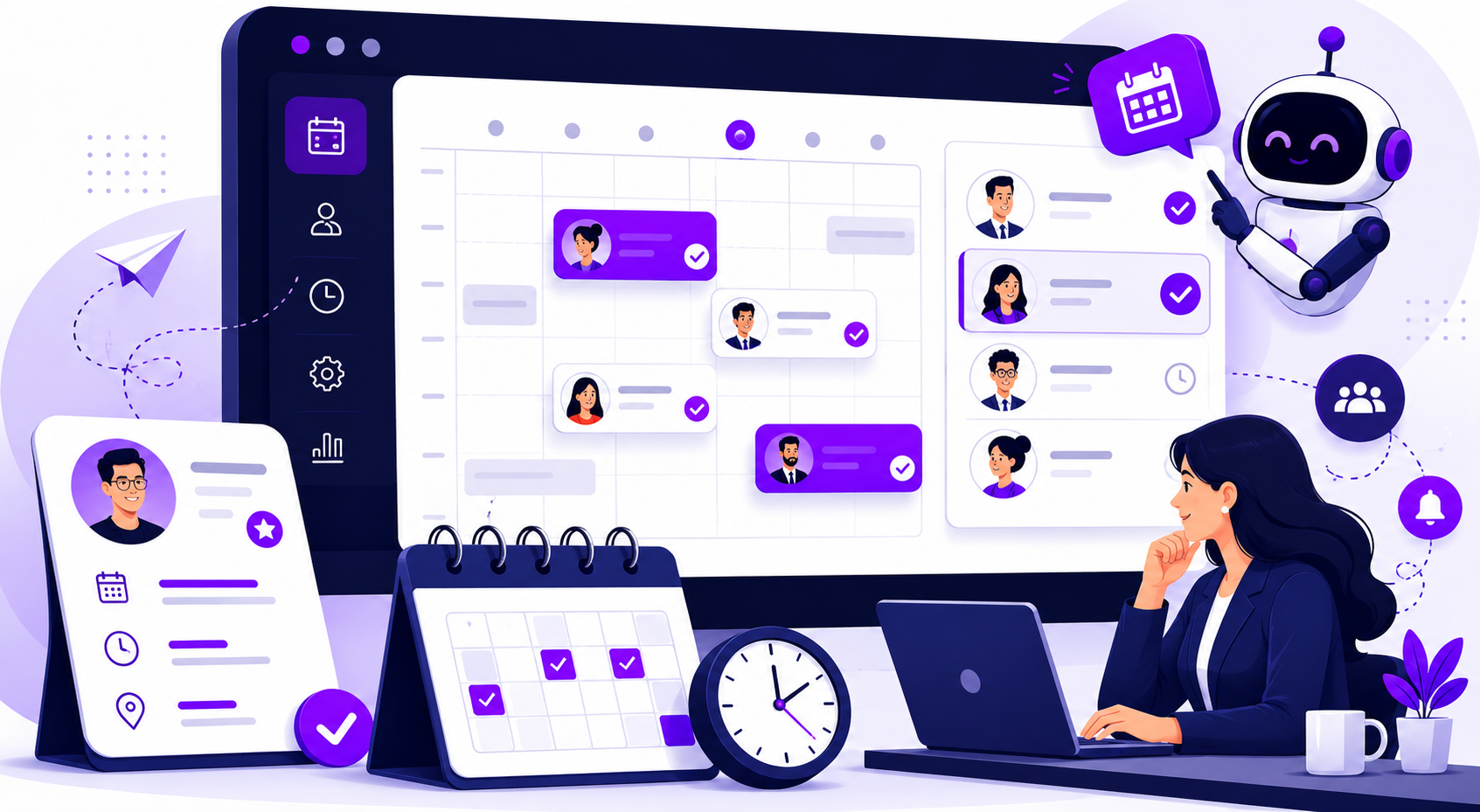
Automated interview scheduling software handles the logistics of booking interviews without requiring a recruiter to manage the back-and-forth manually. The basic workflow looks like this: a candidate advances to the interview stage, they receive a scheduling link with available times, they pick a slot, and every relevant calendar updates automatically. Confirmation emails go out, reminders fire before the interview, and if a reschedule is needed, the candidate handles it through the same self-service interface.
What it replaces is the manual version of that same process: checking interviewer availability, sending time options over email, waiting for a response, handling conflicts, and repeating the whole sequence whenever something changes. According to SelectSoftwareReviews, recruiters spend 35% of their time just on interview scheduling, which works out to more than a full day every week lost to coordination. Automated scheduling tools reclaim most of that time. They also work outside business hours, which matters because candidates are often most responsive in the evenings and on weekends, and a slow response to that window is frequently where momentum dies.
Key Benefits of Automated Interview Scheduling
Recruiters get meaningful time back: The productivity math here is straightforward. Automation can cut scheduling time by almost 60%, which on a full requisition load adds up to a significant reallocation of recruiter capacity toward higher-value work.
Candidates have a better experience: In 2025, candidates want to see all available interview times at once, want to schedule from mobile, and want the ability to reschedule without emailing the recruiter back. Automated scheduling tools satisfy all three of those preferences by default. That is a critical component of a successful hiring strategy, as candidates overwhelmingly say a poor scheduling experience negatively affects their perception of the employer brand.
Fewer candidates drop off between stages: Scheduling delays are consistently cited as one of the top reasons candidates withdraw from processes. When a week passes between the end of a phone screen and the booking of a next-round interview, a portion of those candidates will accept offers elsewhere. Automated scheduling compresses that gap from days to hours, and organizations using it are 1.6 times more likely to hit 90 to 100% of their hiring goals compared to teams scheduling manually, according to Yahoo Finance.
No-show rates go down: Automated confirmation emails and pre-interview reminders reduce the probability of a candidate simply forgetting. This is a small thing operationally, but across hundreds of interviews per year it adds up to a material reduction in wasted interviewer time and delayed requisitions.
Types of Interviews Automated Scheduling Can Handle
Phone and video screens: This is the most straightforward application. A candidate receives a self-scheduling link, picks a time, and gets a dial-in or video conference link automatically attached to their confirmation. The recruiter does nothing except show up at the scheduled time.
Panel interviews: Coordinating a panel is where manual scheduling breaks down fastest. Finding a time when three or four internal stakeholders are simultaneously available, presenting those windows to a candidate, and managing any subsequent changes requires significant back-and-forth. Automated panel scheduling tools check all participant calendars at once and only surface times that work for everyone, presenting the candidate with a clean set of options rather than a negotiation.
Multi-round interview sequences: Scheduling each round separately creates unnecessary friction and introduces multiple opportunities for drop-off. Good scheduling tools can sequence multiple rounds, automatically triggering the next scheduling link when a candidate advances and carrying relevant context forward through each stage.
High-volume and frontline hiring: When a team is scheduling hundreds of interviews per month for hourly or frontline roles, manual coordination is both inefficient and operationally unsustainable. Automated scheduling handles the volume without adding headcount, and it does so consistently at any hour of the day or day of the week.
Must-Have Features in an Interview Scheduling Tool
Candidate self-scheduling: This is the core capability. Candidates should be able to view available times, select one, and receive confirmation without any recruiter involvement. If a tool requires a recruiter to send times manually, it is not meaningfully automated.
Two-way calendar sync: The tool needs to read existing calendar commitments and write confirmed interviews back to all relevant calendars in real time. One-way sync that only pushes confirmations without checking live availability creates double-booking problems that manual scheduling was supposed to eliminate.
Automated reminders and confirmations: A confirmation notification should go out immediately after booking. A reminder should fire 24 hours before the interview and again one hour before. These two touchpoints account for the majority of no-show reduction and require zero recruiter effort once configured.
Rescheduling and cancellation handling: Candidates and interviewers need to be able to reschedule without creating a manual task for a recruiter. The tool should allow self-service rescheduling within configurable rules, update all calendars automatically, and notify all parties without human involvement.
Timezone detection and conversion: For any team with distributed candidates or interviewers, automatic timezone handling is non-negotiable. Manually converting timezones introduces error and is the kind of small friction that erodes candidate experience at scale.
ATS integration: Interview scheduling that lives outside your ATS creates data fragmentation and manual work to keep candidate records current. Look for tools that write scheduling data back to your ATS automatically so that interview status, notes, and history are always accurate without additional entry.
Mobile-friendly candidate experience: A significant portion of candidates will open their scheduling link on a phone. If the experience is difficult on mobile, you will lose candidates before they ever book a time.
How to Choose the Right Automated Interview Scheduling Software
Before evaluating tools, it helps to be honest about where your actual scheduling problems are occurring. The answers to a few questions will narrow your options considerably.
What is your interview volume? At low volume, a simple self-scheduling link tool like Calendly may cover everything you need. At high volume or with complex multi-round processes, you need a purpose-built recruiting scheduling tool with deeper ATS integration and workflow automation.
How complex are your interview formats? If you primarily run one-on-one phone screens, almost any tool will work. If you coordinate panel interviews, multi-round sequences, or onsite days with multiple interviewers, you need a tool built specifically for that complexity.
How does it integrate with your existing ATS? This is often the deciding factor. A scheduling tool that requires manual data entry back into your ATS creates a new problem in place of the old one. Confirm native integration, two-way data sync, and that the integration is maintained actively, not just listed on a features page.
What does adoption look like for your team? A tool with a complex setup or a steep learning curve will see partial adoption at best. The best scheduling tool is the one your recruiters will actually use consistently, which generally means it should fit into their existing workflow rather than requiring them to build a new one around it.
What does the candidate experience feel like? Run through the scheduling flow as a candidate before you commit to anything. If it is confusing, slow, or poor on mobile, that experience reflects on your employer brand regardless of how clean the backend looks.
The best tool is not the one with the most features. It is the one that removes the most friction from your specific process without adding new complexity on either side of the transaction.
How Curately Makes Interview Scheduling Effortless
Most scheduling tools solve a coordination problem. Curately does too, but it doesn't stop there. As an end-to-end comprehensive integrated tool, it also solves a conversion problem, and scheduling is one of the places where conversion most often breaks down.
Curately's automated scheduling is built into the broader Find, Engage, Convert workflow, which means scheduling does not exist as a separate step that a recruiter has to manually trigger. When a candidate completes a screening interaction with Maya, Curately's AI voice recruiter, qualified candidates are routed directly into the scheduling flow without any human handoff. There is no gap between "screened" and "scheduled" where candidates can go dark, because the process moves forward automatically the moment a candidate qualifies.
For high-volume teams, this changes the throughput math entirely. Curately reduces time-to-first-contact to under one minute and saves over seven hours per recruiter per week, and the scheduling automation is part of what makes those numbers possible. Candidates who come through a Curately workflow arrive at a recruiter's calendar fully screened, with their qualification data already populated in the ATS, ready for a conversation that moves toward an offer rather than starting from scratch.
Curately integrates with over 50 ATS and VMS tools, so scheduling data flows back into whatever system your team already uses as its source of record. There is no parallel tracking, no manual data entry, and no candidate history that lives only inside the scheduling tool.
Conclusion
Scheduling coordination is one of the clearest examples of a problem that recruiting teams have accepted as inevitable when it is actually entirely solvable. The time saved, the candidate experience improvement, and the reduction in between-stage drop-off are all measurable and well-documented at this point.
The right automated interview scheduling software depends on your volume, your interview complexity, your ATS, and your team's capacity for adoption. Start with the friction points that are costing you the most, confirm that any tool you evaluate integrates cleanly with your existing stack, and measure the impact at 90 days with real baseline data.
If you want to see how automated scheduling fits into a full candidate conversion workflow, Curately is worth a look.
FAQ
Q: What is automated interview scheduling software?
Automated interview scheduling software handles the logistics of booking interviews without manual recruiter involvement. Candidates receive a self-scheduling link, select an available time, and all relevant calendars update automatically. The software also manages confirmations, reminders, rescheduling requests, and timezone conversions, eliminating the email back-and-forth that typically adds days to the process.
Q: How much time does automated interview scheduling save recruiters?
Recruiters spend close to two full workdays per week on scheduling coordination. Automated scheduling tools typically recover up to 60% of that time by removing manual follow-up, calendar management, and rescheduling from the recruiter's plate entirely. The time saved is usually reallocated to candidate evaluation and relationship-building.
Q: What features should I look for in automated interview scheduling software?
The core features to evaluate are candidate self-scheduling, two-way calendar sync, automated confirmations and reminders, self-service rescheduling, timezone detection, and native ATS integration. For teams running panel interviews or multi-round processes, also look for tools that check all participant calendars simultaneously and can sequence rounds automatically.
Q: Does automated interview scheduling work for high-volume hiring?
Yes. In fact, high-volume hiring is where scheduling automation tends to deliver the most measurable impact. When a team is coordinating hundreds of interviews per month, manual scheduling becomes an operational constraint rather than just an inefficiency. Automated tools handle that throughput consistently around the clock without adding recruiter headcount.