Picture a Thursday at 4:45 PM. You posted a role on Monday and 300 people have applied. Your plan is to call as many of them as you can before the day ends. By the tenth call, nine have gone to voicemail and one wants you to try again tomorrow.
Most recruiters know this feeling. The first call matters, but it is repetitive, and it only works if the candidate happens to pick up at the moment you dial. Voice AI recruiters were built to take that first call off your plate.
The voice AI tools that work best for recruiter conversations do four things:
- Contact applicants within minutes of applying
- Run a structured screening conversation by phone
- Follow up by text or email when a call goes unanswered
- Book the next step without a recruiter chasing it
Those four steps decide your hiring velocity, which simply means how fast a candidate moves from applying to a booked interview. We built Maya, our voice AI recruiter, around that sequence. This guide explains how it works, what keeps it reliable, and how to judge any voice AI tool for your own team.
Automating candidate interactions with Voice AI
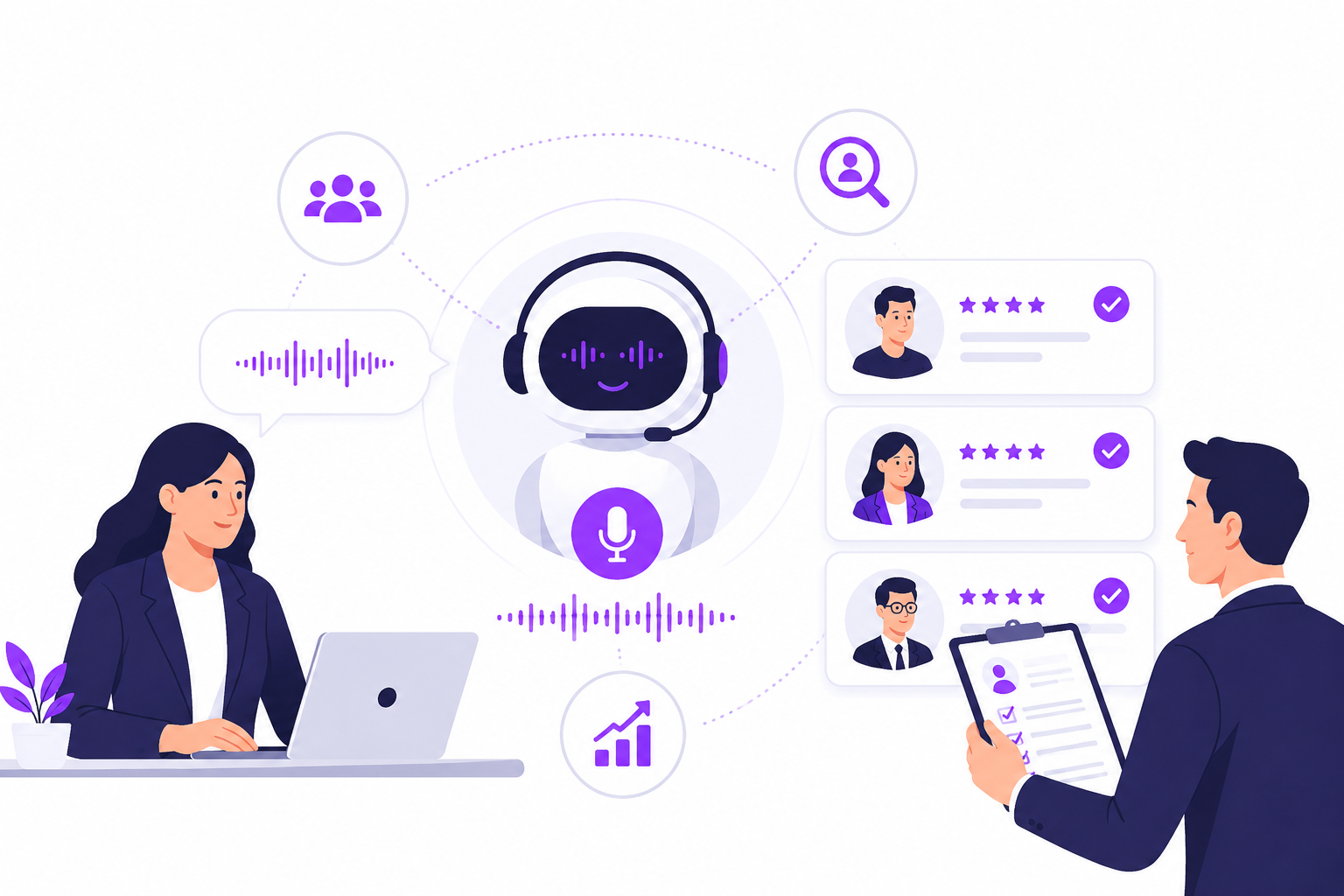
A voice AI recruiter is the first voice a candidate hears. It calls soon after someone applies, asks the screening questions you would ask, and hands qualified candidates to a recruiter. Instead of a list of names to call, you start the day with a shortlist and real answers.
The technology listens to what the candidate says, understands it, and replies in natural speech. That is what separates it from a phone tree that says “press 1.” It can answer a question about shifts or pay, and it can adjust its follow-up questions based on what it hears. Typical screening topics include work authorization, availability, certifications, shift preferences, salary expectations and notice periods.
Why are more teams doing this? Volume. When a role pulls in hundreds of applications, phone time becomes the bottleneck, not sourcing. A LinkedIn post from Dawn Suchecki shows what candidates are noticing: more organizations are using “AI voice interviewers, avatar-based screeners, and automated phone calls to manage the massive volume of applicants.”
Practitioners on Quora add a fair warning. They say AI calling works best for high-volume roles like retail, delivery, warehouse and BPO (outsourced call center) hiring, and can cost you goodwill with senior or specialized candidates. We agree. Voice AI is for the repetitive first conversation, not for the conversation where you sell a senior candidate on your company.
Here is what Maya does in practice. When someone applies, Maya calls within a minute. If the candidate does not pick up, Maya follows up by text. Maya also takes callbacks and inbound calls, and if a candidate asks for a person, Maya can hand the live call to a recruiter.
During the screen, Maya asks the questions you wrote for that role and checks the must-have requirements you set. It answers candidate questions using the job details and FAQ answers you provide. When the call ends, you get a fit score, every answer, the recording and a transcript. Maya reads jobs from your applicant tracking system (ATS) and writes the results back to it, so your team stays in the system they already use.
What does that look like in numbers? Teams using Maya report a time to first contact under one minute, 28% more candidate conversions and about 7 hours saved per recruiter each week, as shared on the Maya page. Evan Zmarthie, Operations Manager at The Nurse Connection Staffing, told us that candidates used to wait “15 to 72 hours” before anyone reached them. Now they get a call “within about a minute,” which helped his team reach “about 10% more applicants.” Results vary by team, role and volume.
Optimizing AI recruiter performance and reliability
A voice AI recruiter only helps if candidates actually get the call, the call goes well, and nobody hears from you five times about the same job. In our experience, reliability comes down to four things:
- The order of channels: call, text or email
- How voicemails and unanswered calls are handled
- Preventing duplicate contact
- A clean handoff to a recruiter
Let’s take them one at a time.
Should an AI recruiter call, text or email candidates first?
It depends on who the candidate is. Someone who just applied has asked to hear from you. A call within minutes matches that request, and it works because the job is still fresh in their mind. A sourced candidate is different. They never applied, so a surprise call can feel like a cold call, and a text or email is a gentler way in.
That is how we set up Maya. Applicants get a call within a minute, and a text if they miss it. Sourced candidates get a text or email first, and Maya calls once they show interest. Each sequence runs on its own schedule and stops as soon as the candidate replies, books, opts out or finishes screening.
How to handle voicemails, spam labels and repeat calls
Every recruiter has been here. You call a strong candidate and get nothing back. They never saw the call, or it showed up as “Spam Likely.” Dawn Suchecki described this from the candidate side in her LinkedIn post. Many AI screening calls she sees get flagged as spam. One legitimate first-round call only worked because the caller left a voicemail and followed up with a text. Another caller rang twice in a row, which she recognized as a way to get past spam filters.
Her advice to job seekers was to check voicemails and watch for repeat calls. If you run voice AI, you can make that easier for them. Leave a short voicemail that says who is calling. Send a text right away so the candidate has something easy to tap. Then stop contacting them once they respond.
Here is an example from our Maya page. Maya calls an applicant at 4:13 PM. The call goes unanswered, so Maya leaves a short voicemail that names the caller and says a text is coming. At 4:14 PM the text arrives. The candidate has two easy ways to reply, and nobody had to dial twice.
How to stop an AI recruiter from calling the same candidate twice
Nothing hurts the candidate experience faster than three calls about the same job. It also makes your team look disorganized. The fix is a set of simple rules the system follows every time. Maya follows these:
- Sequences stop when a candidate replies, books, opts out or is screened.
- Status carries across channels, so someone who is already screened, booked or declined is not contacted again.
- Preferences are respected. If a candidate says “text me, don’t call” or “after 5 my time,” that is what happens.
- Opt-outs, unsubscribes and do-not-contact requests apply right away, and numbers on national, local or company do-not-call lists are not dialed.
- Outreach follows contact windows based on the candidate’s time zone, so nobody gets a text at 6 AM.
You can also check the work. Reporting shows calls placed, completed screenings and every call outcome by job and date range, so you can see who was contacted and what happened.
Why call transfers fail with IVR greetings, and what to check with RingCentral and Ringover
Sometimes a candidate says, “Can I talk to a person?” That is the moment the handoff matters. The AI has to pass the call to a recruiter through your company phone system, and that connection can break.
A common culprit is the IVR, the automated menu that says “Press 1 for sales.” If the AI transfers a call to a number that answers with an IVR greeting, the candidate can end up stuck in the menu instead of talking to a recruiter. The call can also drop if the AI mistakes the greeting for a person who picked up.
Three habits prevent most of these problems:
- Send transfers to direct extensions or ring groups that skip the greeting.
- Check that a recruiter is free before offering a live transfer.
- Set a backup plan, like a scheduled callback, for when nobody answers.
Maya hands off by ringing your recruiters live and passing the call to whoever picks up first. Candidates can ask for a person at any time, and outcomes that need a recruiter are flagged and routed.
What about RingCentral and Ringover? We don’t currently list a native integration with either one. Because Maya rings recruiters directly, the practical question is how those calls route when they arrive. Do they reach a person, or an IVR greeting first? If your team uses RingCentral, Ringover or a similar system, talk to us about your setup and test the handoff in a pilot before you roll it out.
Do candidates actually respond to AI recruiter calls?
Sometimes, and a lot depends on how the call arrives. A call that comes quickly, says who is calling, and is backed up by a voicemail or text has a better chance than a silent number that rings once and disappears.
Candidates are also honest about their concerns. In a LinkedIn post by Sarah Snyder, a candidate got a call that opened with “Hi, this is Ava, the AI recruiter,” and froze because nobody had warned them. One commenter asked whether AI can pick up on energy, motivation and the quality of a candidate’s questions.
That is a fair question, and it is why we keep people in charge of decisions. Maya handles the first conversation. Recruiters decide who moves forward. It also helps to tell candidates up front that they may hear from an AI recruiter, and to make it easy for them to ask for a person.
Streamlining interview scheduling and outreach
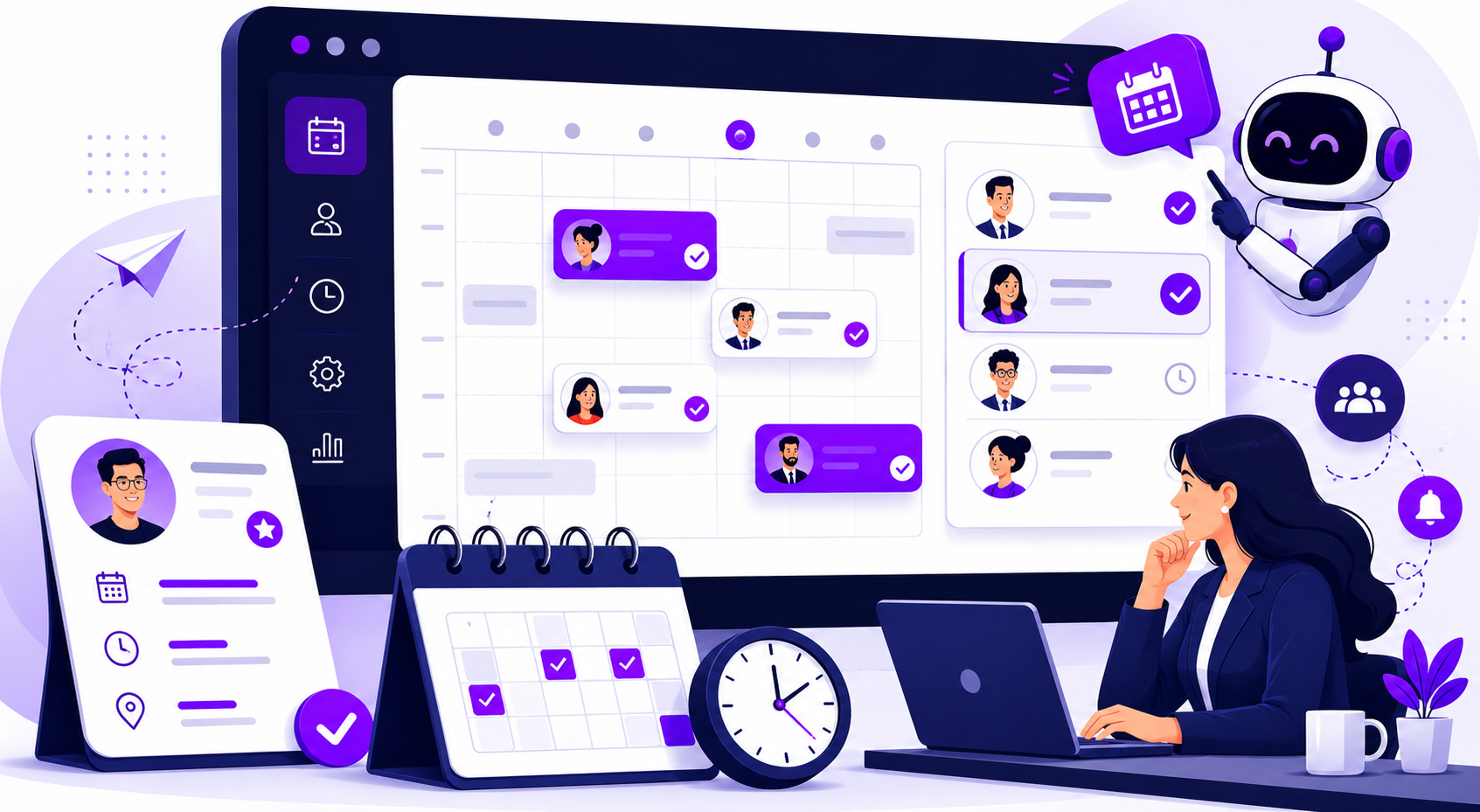
Ask any recruiter what they like least about scheduling and you will hear the same thing: the back-and-forth. You email the candidate. They reply two days later. The hiring manager’s calendar has changed, and you start over.
Voice AI shortens that loop by booking during the conversation. A good tool does four things:
- Reads live availability from the recruiter’s or hiring manager’s calendar.
- Offers open times in the candidate’s time zone.
- Books the slot the candidate picks.
- Sends a confirmation and reminders so people show up.
This is where time-to-hire improves, because the waits between steps get shorter. First contact happens in minutes instead of days, and the booking happens in the same conversation instead of across an email thread.
We build this into Candidate Conversations, which includes calendar integration, predictive time-slot recommendations and automated reminders. Here is an example from the Maya page. A candidate texts back, “Call me at 8:15 tomorrow.” Maya books the callback in the candidate’s time zone and calls at 8:15. After the screen, Maya emails a recap with the next step and sends the video interview link the hiring team asked for on that role. When the recruiter opens the profile, the score, the answers and the transcript are already there.
Outreach and scheduling should also run as one sequence. Once a candidate books, outreach stops, and the booking, recap and status update land on the same candidate record. In Maya, sequences stop when a candidate books, and statuses, notes and activity sync to your ATS.
How to compare voice AI tools for faster interview scheduling
If you are comparing tools, test them on your own calendars and your own ATS. Here is what to check:
| What to check | Why it affects speed | What to ask |
|---|---|---|
| Calendar sync | Offered times reflect real availability, so bookings need no recruiter review | Does it sync with the calendars your interviewers actually use? |
| Booking inside the conversation | Removes the follow-up email or link | Does the agent book during the call, or just send a scheduling link? |
| Reminders and rescheduling | Fewer no-shows and less chasing | Which channels send reminders, and who handles reschedule requests? |
| Time zones and callbacks | Reaches candidates when they can talk | Do callbacks use the candidate’s time zone? |
| Panel interviews | Booking several interviewers is often still manual | Can it handle a panel? Test this directly. |
| ATS updates | Keeps the pipeline accurate after booking | Does the booking write back to the ATS record? |
How to choose a voice AI recruiter for your team
There are a lot of options out there, from AI interviewers to phone systems with an AI agent added on to full recruiting platforms. Whatever you are comparing, including tools built for staffing agencies, ask the same five questions:
- How soon after someone applies does the first call go out?
- What happens after a missed call?
- What stops duplicate or unwanted contact?
- How does a candidate reach a person, and how does the transfer behave?
- Do results land in the ATS record your team already uses?
Then ask the vendor to show all of it on your own ATS and phone setup, not in a demo environment. Ask for the maximum number of calls the system can run at once, in writing. If you work at a staffing agency, also ask how easy it is to set different screening questions for each client and role, because every client wants something different.
A few takeaways to keep:
- Speed matters most in the first hour after someone applies.
- Back up every call with a voicemail and a text.
- Give the system clear stop rules so no candidate hears from you twice.
- Test transfers on your real phone system before you go live.
- Let AI handle the first conversation and let people make the decisions.
At Curately, we think about it this way: autonomous where it helps, human where it matters. You define the qualification criteria, the messaging limits and the escalation rules. Maya does the repetitive work, and your recruiters make the hiring decisions. Our platform connects sourcing, matching, voice and chat conversations, qualification and scheduling in one workflow, so candidate context stays in one place. If you want to see Maya’s call, text and booking sequence, you can book a demo.