Introduction
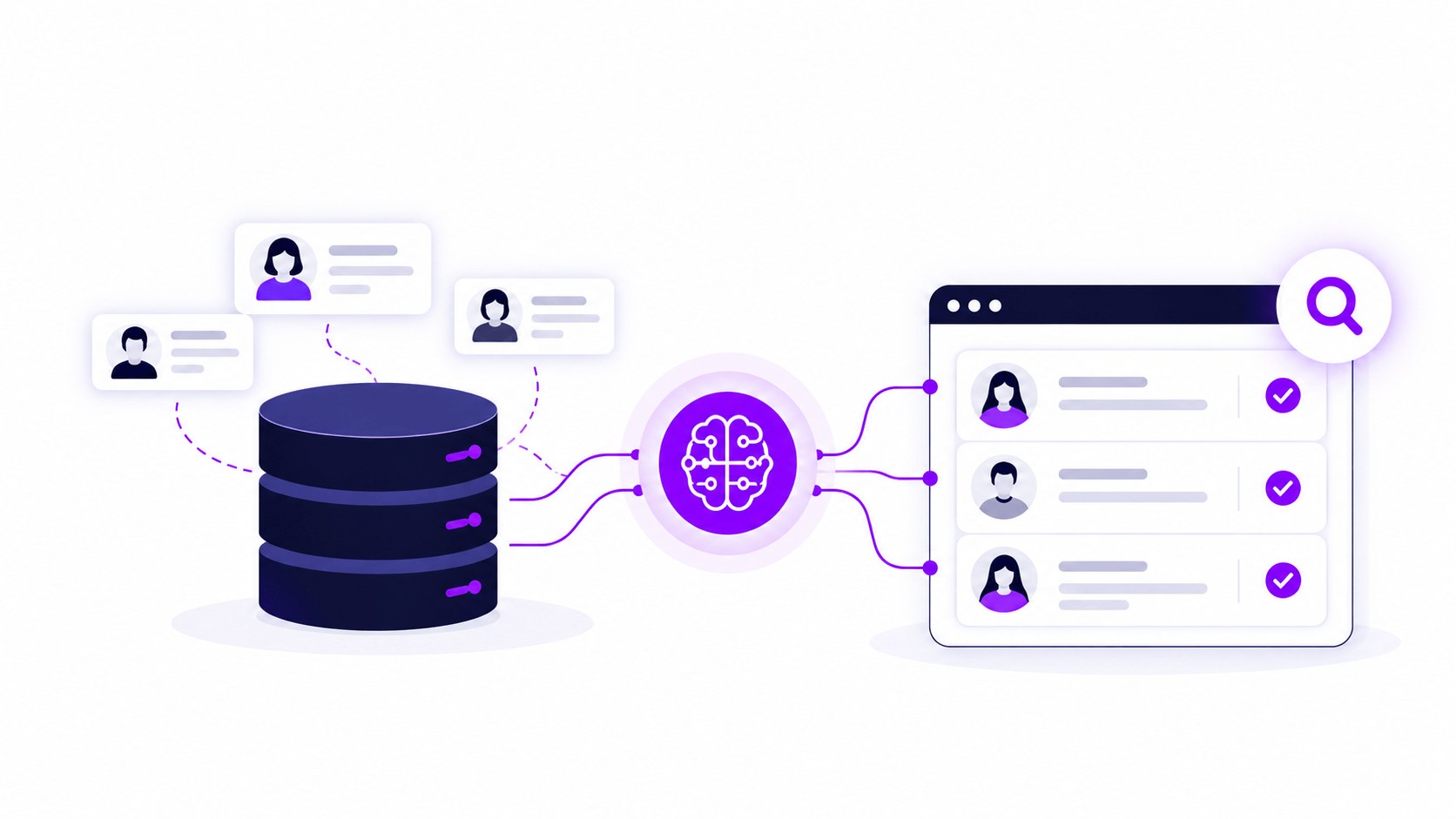
Curately is an AI recruiting platform that connects directly to JobDiva, so your team can search for candidates by describing who they need in plain English instead of building a Boolean string. That search runs across your own JobDiva database and Curately's network of 200 million-plus sourced profiles at the same time, and every call, text, or note that comes out of a candidate conversation gets written back into JobDiva automatically.
If you've spent any real time recruiting on JobDiva, you already know the drill. You open a search and type out a string of ANDs and ORs and quotation marks, hoping you've got the right combination to surface the person you need. An AI layer takes that part of the job off your plate, working alongside JobDiva to make everything already sitting inside it easier to find and easier to act on.
The problem JobDiva teams describe
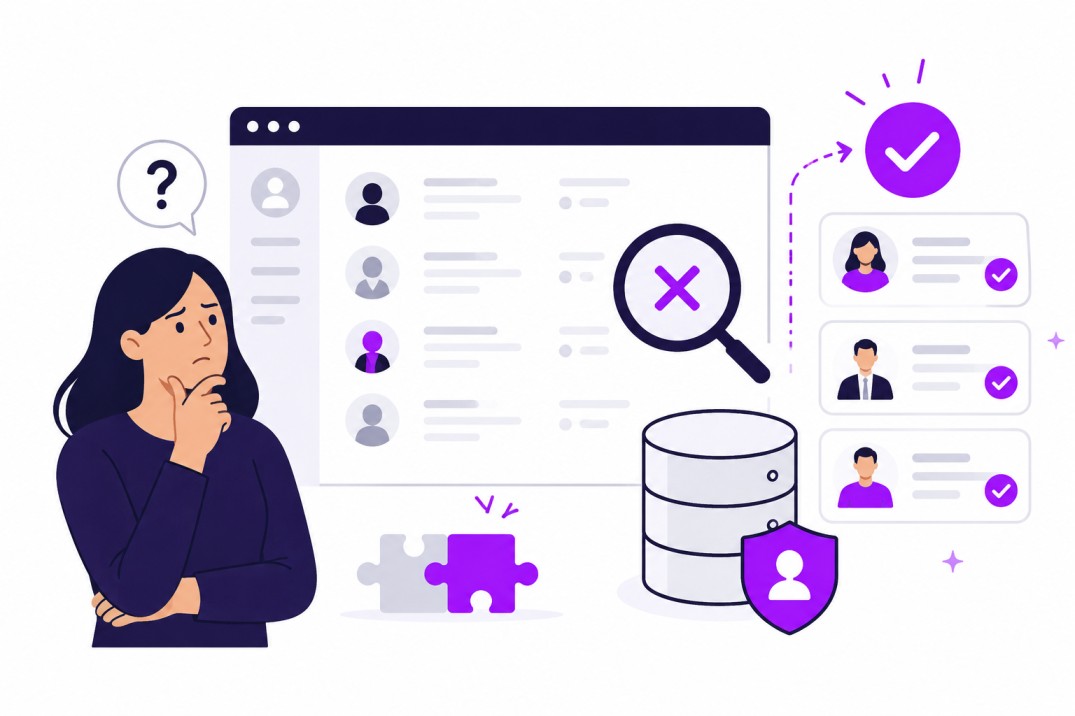
Every JobDiva team we talk to describes some version of the same situation. Somewhere in that database is a candidate who already applied, already interviewed, or already got placed on a similar role months ago. Finding them again depends on typing the exact words the original recruiter used, since Boolean search only returns what someone thinks to type.
This is exactly where an AI layer earns its place. Every submittal, every note, every placement adds up to real history sitting inside JobDiva, and there's a lot of value in being able to tap back into that history whenever a new role opens up. Instead of searching job boards from scratch, firms can use that AI layer to reconnect with people they already have a relationship with.
JobDiva is doing exactly what it's built to do: it's your system of record, holding every candidate, note, and placement in one place. What an AI layer adds is a different way of searching that data, one built around plain language instead of Boolean logic, so it works the way a recruiter actually thinks about a role. That's the gap an AI layer closes: not replacing JobDiva, but making the data already inside it searchable the way you'd describe the person you're looking for to a colleague.
What the integration does
Curately is built around three connected pieces: Find, Engage, and Convert. Each one plugs into JobDiva differently, but they all work off the same candidate record, so everything stays connected moving from one stage to the next.
Find: search JobDiva and beyond it, in plain English
Find is where the plain-English search lives. Instead of building a Boolean string, you describe who you need. Role, skills, license, location, whatever detail actually matters for that req. Curately searches both your JobDiva database and its network of 200 million-plus sourced profiles in the same pass.
If the person you need isn't in your database yet, the Curately Chrome extension lets you source them from the job boards and professional networks your team already works in, and pull them into your pipeline without switching tools. The profile data behind this comes from licensed third-party providers and public professional information, refreshed on an ongoing basis. This data is sourced independently, through licensed providers and public professional information, rather than pulled from LinkedIn or from your own ATS.
Engage: Maya works your JobDiva candidates
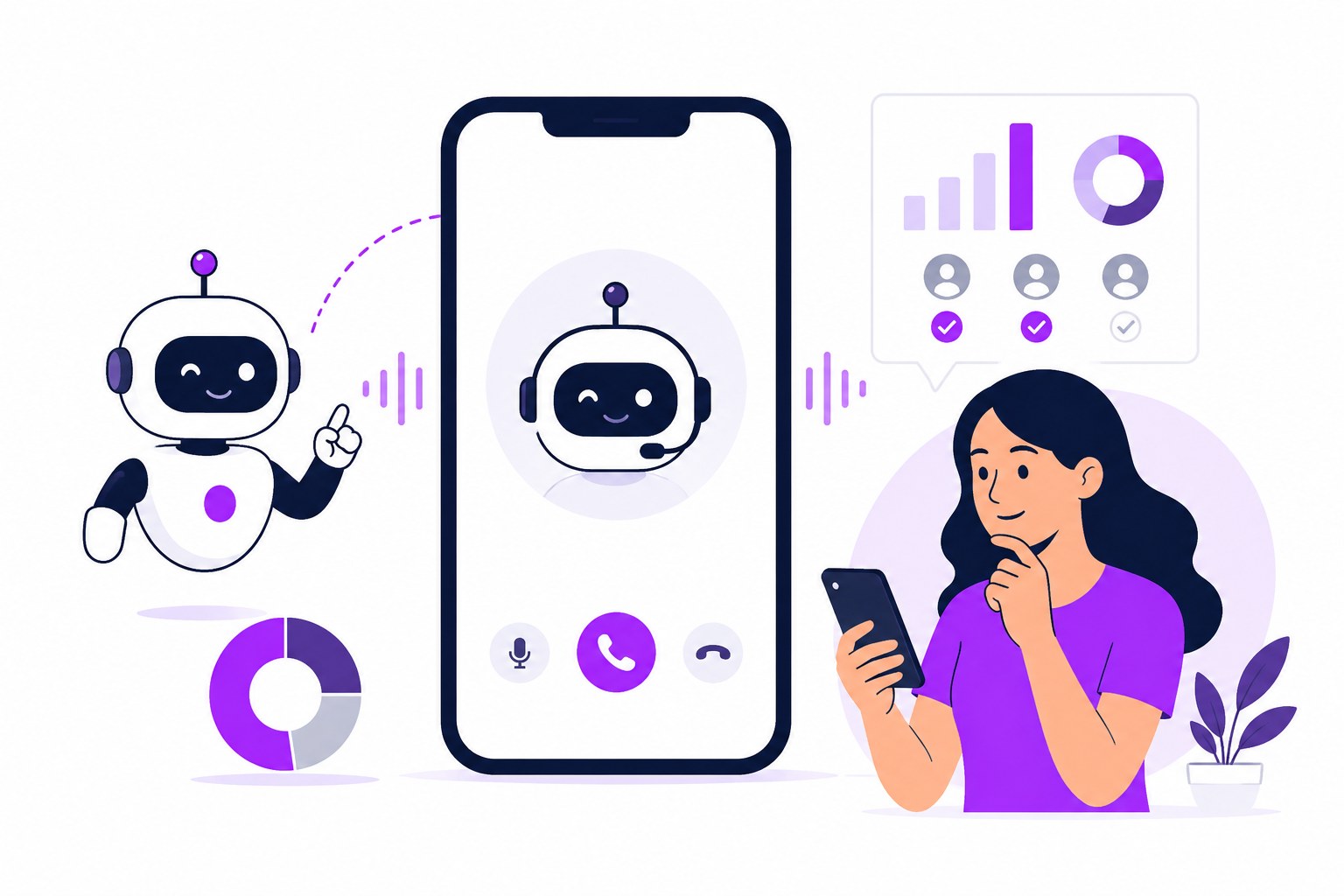
Engage is powered by Maya, Curately's engagement agent. Maya works across voice, email, text, video, and chat, following up, answering candidate questions, and keeping conversations moving, so your recruiters spend their time on people who are already warm and ready for the next step.
All of that happens inside your existing JobDiva workflow. Maya can hover-grab numbers and capture them in bulk, verify whether a number is a landline or a mobile line, and write a journal note back into JobDiva every day summarizing the activity. Your team can see everything Maya's been doing right inside the tool they already use.
Convert: qualification, routing, and scheduling that land in JobDiva
Convert is where screening and scheduling turn into real next steps. Screening responses, qualification outcomes, and scheduled interviews all flow back into the candidate's record in JobDiva, keeping everything in one place your team already checks.
That matters more than it sounds like on paper. When a hiring manager or a second recruiter opens that candidate's file, they see the full picture: what was asked, how the candidate answered, and what's scheduled next, all in the same place they already look.
How the integration works
Curately is officially approved as a third-party integration partner with JobDiva. That approval was announced publicly on April 22, 2026, and covered by PR Newswire, Yahoo Finance, Morningstar, and several HR-tech trade publications. It's a supported, pre-built integration, ready to go without a services project to scope out first.
Connecting the two systems is self-serve. You create what JobDiva calls an API user (essentially a login that lets an outside system like Curately connect to your account), enter that user ID and password into Curately, and the sync is live in under two minutes, start to finish, on your own schedule.
JobDiva is one of the major staffing ATS platforms Curately connects to this way, with a pre-built connector ready to go. For other platforms, Curately can connect through an open API and webhooks, ways for two systems to stay in sync automatically, which a technical team can build against directly. For anything that calls for more than that, Curately can scope a custom build with its own timeline to match what the firm needs.
Honest limits
We like to be upfront about exactly what's covered today, so you always know exactly where things stand.
JobDiva stays your system of record, and Curately sits on top of it, adding a search and engagement layer while JobDiva continues to hold every candidate, note, and placement the way it always has.
JobDiva's do-not-contact flags sync over to Curately automatically, so anyone marked DNC in JobDiva stays DNC in Curately too. Firm-specific rules that live outside those flags, things like a client's hands-off list, or an internal rule about contacting someone who was recently placed, are ones recruiters confirm the same way they already do inside JobDiva today, with support for syncing more of these rules on our roadmap.
Coverage across our 200 million-plus profile network varies a bit by field, with some highly specialized and entry-level roles having different depth than more common role types. We like to show you real results on your actual open roles, so you can see exactly what's there for the positions you're filling right now.
If there's something about the integration you don't see covered here, just ask. You'll get a straight answer on what's already supported, what's possible through the API, and what a scoped project would look like.
FAQ
Does natural-language search replace Boolean in JobDiva?
It replaces the need to build a Boolean string for most searches. Instead of stacking ANDs, ORs, and quotation marks, you describe the candidate you want in plain English, and Curately returns matches from JobDiva and its external network. Recruiters who prefer Boolean can still search that way inside JobDiva. The AI layer simply adds another option alongside it.
Do recruiters have to leave JobDiva to use Curately?
For most of the day-to-day work, recruiters stay right inside JobDiva. Messaging, number capture, and verification all run inside your JobDiva workflow, and activity gets written back as a journal note automatically. Sourcing brand-new candidates who aren't in your database yet happens in Curately or through the Chrome extension, with results landing back in your pipeline afterward.
Which JobDiva do-not-contact settings carry over to Curately?
JobDiva's do-not-contact flags sync to Curately automatically, so a candidate marked DNC in JobDiva stays DNC in Curately. Firm-specific rules that sit outside those flags, like a client's hands-off list or an internal contact rule, are ones recruiters confirm the same way they already do inside JobDiva before reaching out.
How long does it take to connect Curately to JobDiva?
On the self-serve connector path, it's fast. You create an API user inside your own JobDiva instance, enter that user ID and password into Curately, and the connection goes live in under two minutes, with no provisioning queue on either side. Custom integrations built beyond the standard connector follow a separate timeline, scoped to what's needed.
Does Curately use data from my ATS to build its own database?
Curately's candidate data comes from licensed third-party data providers and publicly available professional information, refreshed on an ongoing basis, built independently of any single customer's ATS. What's in your JobDiva instance stays yours, and stays separate from Curately's own sourced network.
Does JobDiva have its own AI features?
JobDiva has its own native matching and automation tools and continues to build on them. For specifics on what's currently available, JobDiva's own documentation is the place to check. Curately works alongside those features, adding a separate layer on top: plain-English search across your JobDiva data and external profiles, multi-channel engagement, and activity write-back.