Verifying candidate contact data is not only a question of whether an email address works. A detail can pass a technical check and still belong to the wrong person, come from a source you cannot defend, or be a year out of date. Recruiters need to evaluate each detail against five factors:
Source → Ownership → Verification → Compliance → Freshness
- Source: where the detail came from, and whether the method used to collect it puts your account at risk.
- Ownership: whether the detail belongs to this candidate.
- Verification: whether the email or number passes technical checks.
- Compliance: whether you are permitted to use it for outreach.
- Freshness: when it was last confirmed.
This guide covers the account risks of sourcing extensions, how verification works and how accurate it is, and how to choose sourcing strategies that hold up on all five factors.
Assess the Risks of Sourcing Extensions
Do LinkedIn sourcing extensions get recruiter accounts banned?
Yes, they can. Extensions that scrape profile data or automate activity inside your logged-in session can trigger account restrictions, and in some cases permanent bans. LinkedIn's Recruiter Help Center has a page on prohibited software and extensions that lists the activities it does not allow. Because the rules and enforcement change, check that page directly before adopting any tool.
Not every extension carries the same risk. The risk depends on what the tool does: whether it only displays information you are already viewing, or whether it scrapes data and automates actions on your behalf.
Why unauthorized scraping creates risk
Extensions run inside your browser session, so the platform sees their activity as yours. Scraping and automation create risk in three main ways:
- They mimic human behavior. Scripted profile views, connection requests, and messages are built to look like manual activity, but their timing and volume often differ from how a person works.
- They reach data outside intended use. Some tools pull information from page elements or endpoints that the platform has not authorized for extraction.
- They act under your identity. A restriction applies to your account, not to the tool vendor. You can lose access to search, saved projects, and message history while the account is under review.
There is also a data-quality cost. Scraped records are often collected once and never rechecked, which is how stale or mismatched contact details end up in your database.
What recruiters should look for
Watch for these warning signs, both in your own account activity and when evaluating a tool:
- Sudden profile-view spikes. A jump in views that does not match your normal working pattern.
- Automated messaging. Repetitive, templated messages sent at a pace or on a schedule no person would keep.
- Unusual request activity. Large bursts of connection requests, searches, or page loads in a short period.
- Unauthorized data extraction. Tools that export profile data in bulk from pages the platform has not approved for that purpose.
- Tools that require your LinkedIn credentials. A tool that asks for your login, or works by operating your account directly, is acting as you. Treat that as a red flag.
If you see these signs, pause the tool and review the platform's current rules.
Use authorized integrations instead
The safer alternative is a sourcing platform that does not depend on automating your personal account. That means sourcing from a licensed or proprietary people database, from the candidates already in your ATS, and from external sources through approved methods, then verifying contact details before outreach.
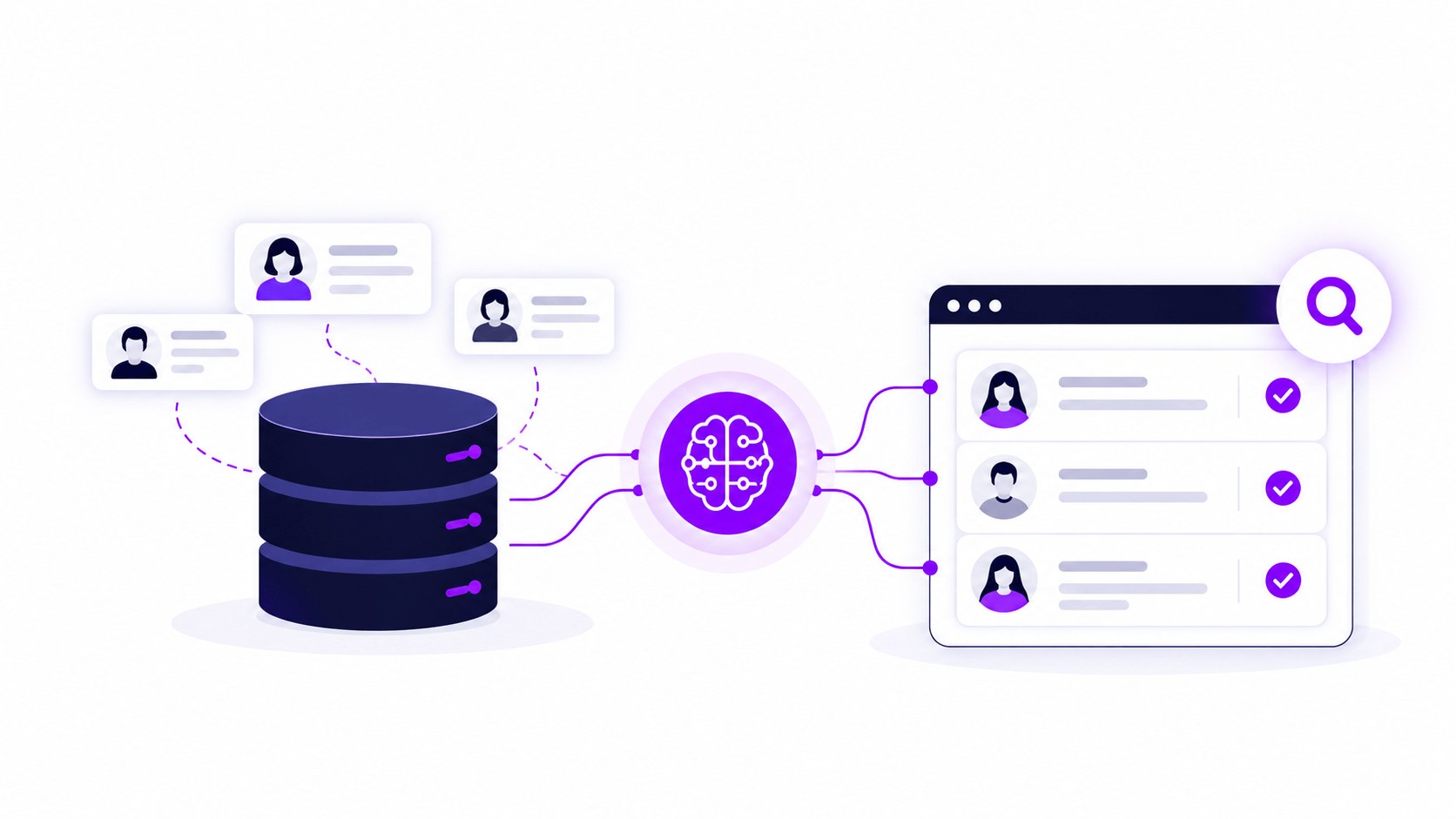
Curately AI is built around this model. Its sourcing layer searches the Curately People Database (200M+ U.S. profiles, including 9M+ healthcare-specific profiles, per Curately), the candidates in your ATS, and external sources such as job boards and professional sites, from one place. It integrates with ATS platforms including Greenhouse, JobDiva, Ashby, and Tracker, so candidates can be added to your system without re-keying. Confirm the details of how any platform sources its data during evaluation. The questions to ask are covered in the third section below.
Understand Data Accuracy and Verification Methods
Found data vs. verified data
A contact detail can be in one of three states:
- Found: collected at some point from a database, a profile, or a name-pattern guess, and never rechecked.
- Verified: checked recently by a known method.
- Confirmed by the candidate: supplied directly, such as in an application or a reply. This is the strongest evidence.
Many databases label all three the same way. Before you use any detail, ask two questions: when was it last checked, and by what method? If you cannot answer both, treat the detail as unconfirmed.
How email verification works
Email verification tools typically combine several checks:
- Syntax: confirms the address is formatted correctly.
- MX lookup: confirms the domain has mail servers configured to receive email.
- SMTP validation: asks the receiving mail server whether the mailbox exists, without sending a message.
- Catch-all detection: flags domains that accept mail for any address, real or invented. SMTP checks cannot confirm a specific mailbox on these domains, so tools label results "accept-all," "risky," or "unknown." This is a structural limit, not a tool defect.
- Disposable-domain filtering: removes throwaway addresses from temporary email services.
A verified email means the address appeared valid at the time of the check. It does not prove who owns it, and it does not guarantee a reply. Treat catch-all results as a separate, lower-priority segment rather than mixing them into your main send list.
How phone verification works
"Verified" usually means less for a phone number than for an email. Common methods include:
- Carrier and format checks: confirm the number is correctly formatted and appears to be an active line of a certain type, such as mobile or landline. These checks do not show who holds the number.
- Multi-source matching: cross-references the number against several independent data providers. Agreement across sources raises confidence, but it still does not prove ownership.
- Candidate confirmation: the candidate supplies or confirms the number directly. This is the strongest evidence you can have.
Mobile numbers are also reassigned when people change carriers, countries, or jobs, so a number that was correct six months ago may now reach someone else. When a number's source or age is unclear, send a short text before calling. That lets the candidate respond on their own time and avoids a wrong-person call.
What percentage of contact data is accurate?
No single industry-standard accuracy rate exists. Published figures come from vendors measuring their own data, and they are not independently audited.
Data also decays over time, which affects every figure above. Recruitly cites 25-30% annual decay in contact and company data. Cleanlist, citing Bullhorn's 2025 Staffing Industry Benchmark, reports that 42% of ATS candidate records have at least one core field out of date within 12 months. CandidateIQ says up to 30% of candidate emails and phone numbers in ATS systems are invalid.
The pattern across these sources is consistent: work emails verify more reliably than mobile numbers, and personal emails are the hardest to confirm. The most reliable benchmark is your own. Test any tool on a sample of real candidates from a live requisition, then measure hit rate, email bounce rate, and phone connect rate.
Why coverage isn't accuracy
Vendors report two different measures, and they are easy to confuse:
- Coverage is how often a tool finds any contact detail for a person.
- Accuracy is how often the detail it finds is correct.
A tool can score high on one and low on the other. A claim of "up to 90% email coverage" says nothing about how many of those emails are correct, and "up to" describes a ceiling, not an average. Realized results depend on geography, seniority, and industry. Always ask which measure a vendor is quoting.
When to reverify
Treat every check as time-stamped, not permanent. Reverify in these situations:
- Dormant candidates. Before re-engaging someone you have not contacted in months.
- Older records. Any detail with no visible last-checked date, or one that has sat in your database for a long period.
- Before campaigns. Verify emails at send time, not at collection time, and keep bounce rates low. Roughly 2% is a commonly cited working threshold.
- After a bounce or conflict. Suppress hard bounces, and resolve mismatches, such as an email domain that does not match the candidate's current employer, before the next touch.
Also confirm that you are permitted to contact the person. Verification shows a detail is accurate. It does not establish your legal basis for using it, which depends on your jurisdiction, the channel, and your own policies. For European candidates whose details came from a source other than the candidate, GDPR Article 14 generally requires informing them within one month, and the first outreach message is the natural place to do so. Confirm your obligations with your legal or compliance team.
Select Compliant Sourcing Strategies
Evaluate how the platform obtains candidate data
Before comparing price or database size, ask where the data comes from. Useful questions:
- Is the data licensed, proprietary, candidate-supplied, or collected by scraping?
- Does the tool operate inside your personal LinkedIn session?
- Does each record show its source and the date it was last verified?
- Is verification done at search time or only at the time the record was collected?
If a vendor cannot answer these clearly, treat that as a finding.
Look for direct integrations and legitimate data providers
Prefer platforms that rely on:
- Licensed or proprietary people databases with documented sourcing.
- Direct ATS integrations, so verified candidates move into your system without manual re-entry.
- Waterfall enrichment, where several data providers are queried in sequence and the process stops at the first verified result. Platforms such as Cleanlist and Recruitly describe this approach.
- Candidate-supplied details from applications and replies.
Avoid tools that require unauthorized scraping
Skip any tool that asks for your platform credentials, automates actions in your logged-in account, or extracts data in bulk from pages the platform has not approved for that use. Even if the tool works today, the account risk is yours, and scraped records tend to carry no source or date, which weakens every later verification step.
Use AI to reduce manual sourcing work
Verification steps are repetitive: checking sources, running email and phone checks, comparing records, and flagging conflicts. Applied well, AI can take over much of that work, including natural-language search that replaces complex Boolean strings, ranking candidates against the role, and surfacing verified details alongside each result. Judgment calls stay with the recruiter: whether a conflict is real, whether a number is safe to call, and whether you have a basis to reach out.
How Curately AI handles sourcing and verification
Curately's sourcing layer follows a Search, Verify, Act workflow:
- Search: natural-language search across the Curately People Database, external sources, and the candidates already in your ATS, so you can rediscover people you already have instead of starting from zero.
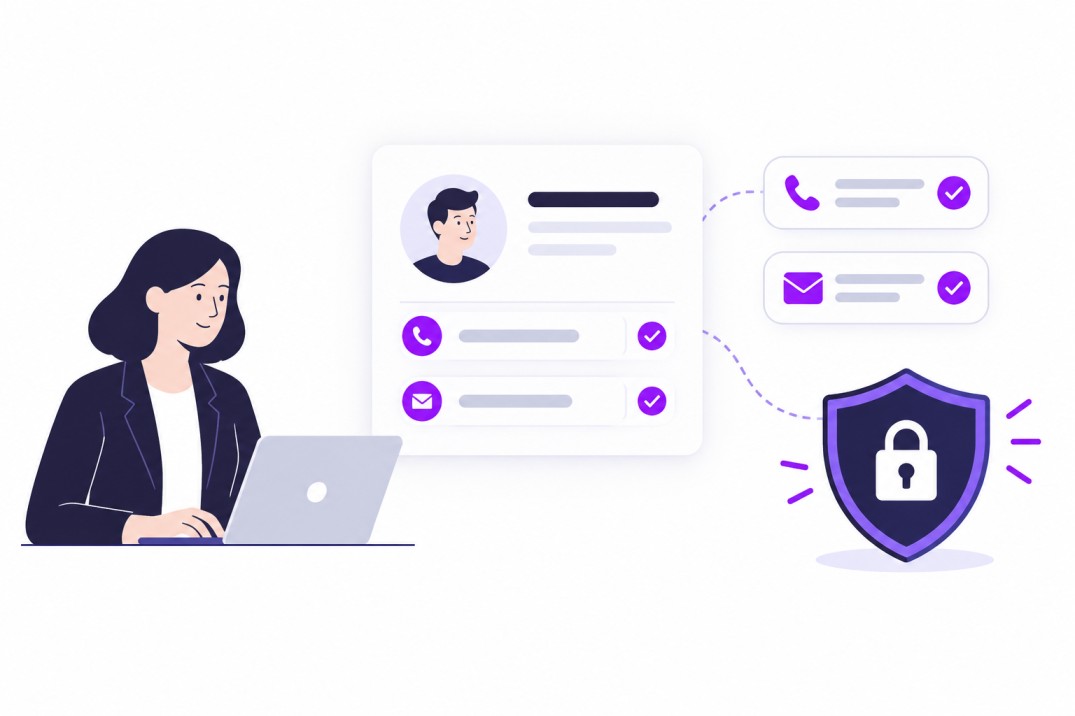
- Verify: emails and phone numbers verified across 10+ trusted sources before you reach out, with email-verified and phone-verified indicators shown on candidate results.
- Act: add candidates directly to your ATS or start a campaign in one click, without moving data between tools.
Verified records carry into Curately's Engage and Convert steps, where AI voice, SMS, email, and chat conversations, screening, and scheduling share the same candidate context. Recruiters stay in control of criteria, messaging boundaries, and handoffs. That matches Curately's principle: autonomous where it helps, human where it matters.
See verified sourcing in action.
Frequently Asked Questions
Do LinkedIn sourcing extensions get recruiter accounts banned?
They can. Extensions that scrape data, automate activity, or require your LinkedIn credentials can trigger restrictions or bans, because the platform sees their actions as yours. Check LinkedIn's Recruiter Help Center page on prohibited software and extensions for the current rules, and prefer sourcing methods that do not automate your personal account.
How do recruiting tools verify candidate contact data?
For email, tools typically run syntax checks, MX lookups, SMTP validation, catch-all detection, and disposable-domain filtering. For phone numbers, they use carrier and format checks, multi-source matching across data providers, and candidate confirmation. Even a passed check does not prove the detail belongs to the candidate, so record the source and date for each detail.
What percentage of candidate contact data is accurate?
There is no independent industry standard. Vendor-reported figures range from about 90-98% for work emails and about 70-85% for mobile numbers, with personal emails lower, but each vendor measures its own data. Data also decays, with published estimates of 25-30% a year. Test any tool on your own candidate sample.
What tool finds candidate phone numbers without scraping LinkedIn?
Compliant routes include licensed people databases, waterfall enrichment services that query several providers in sequence, and numbers supplied directly by candidates. Curately AI's People Database, Cleanlist, and Recruitly's waterfall are examples of the first two approaches. Whichever you choose, confirm where the numbers come from and when they were last verified.
Which candidate sourcing tools have verified phone numbers?
Several platforms advertise phone verification, including Curately AI (phone-verified indicators across 10+ sources), Cleanlist (85% phone numbers on its own benchmark), Vente AI (roughly 70-75% mobile coverage), and MindHunt (70-80% mobile accuracy). These are vendor-reported figures, so run your own sample test and measure how many numbers actually connect to the right person.